

Consult

Consult

AI Service
How can a single-serial-port PLC quickly expand its network port for data acquisition?
Core equipment: ETH-200/ETH-200-2P, ETH-300/ETH-300-2P
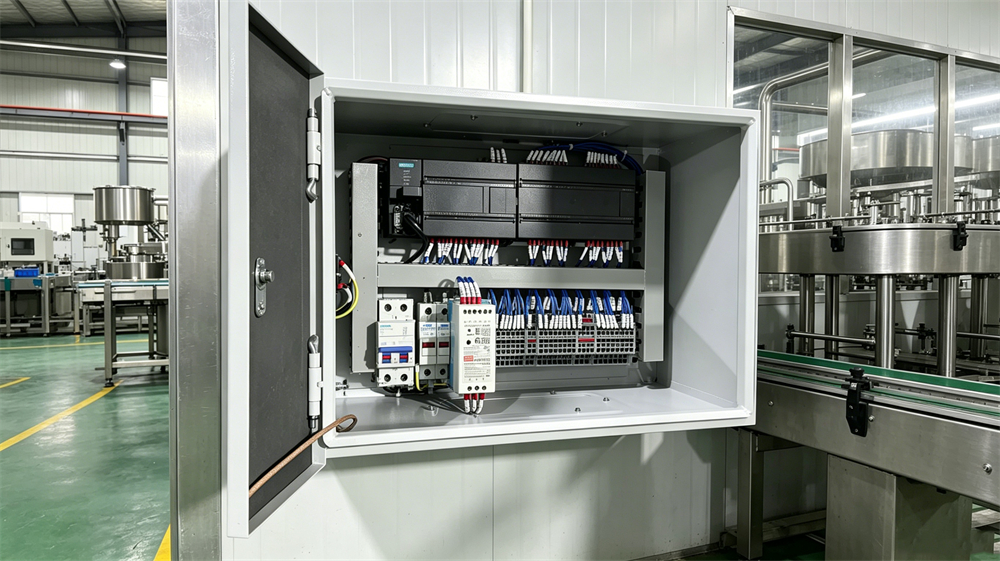
After years of automation experience, I have seen too many factories get stuck by a single problem: the equipment can still run and the PLC is still working stably, but there is no data and the system cannot be accessed. To replace? The cost is high, the cycle is long, and the risk is greater; not to replace? MES, SCADA, and digital displays cannot be set up. Today, let's talk about how to solve this dilemma.
Ⅰ. Have you ever encountered these situations?
Let me share a few typical scenarios we often encounter on site:
1. Equipment that has been running for ten or eight years: Siemens S7-200, S7-300, and other veterans are still carrying the heavy load on the production line. The program runs smoothly, but there is no network port, only a DB9 serial port. Want to connect to the host computer? You don't even know how to connect the wires.
2. Shutdowns burn money, and the cost of transformation is unmanageable: Switching to PLCs means redesigning programs, re-debugging, and a prolonged production halt. For small and medium-sized factories, the math is clear - the ROI (Return on Investment) simply doesn't add up.
3. The programming port is occupied, and engineers and technicians are always vying for its use: touch screens need to be connected, programming computers need to be connected, and data acquisition devices also need to be connected. One port is simply not enough, and every time, they have to unplug and re-plug, which is also prone to making mistakes.
4. Data is scattered everywhere, making unified management impossible: Each device manages its own data, making it impossible to obtain operational data, view alarm information, or generate production reports without manual input. When the boss asks about today's OEE (Overall Equipment Effectiveness), all that can be said is "more or less".
In essence, it boils down to this: the devices are still functional, but traditional methods really won't work to make them "communicate".
II. The most pragmatic solution: equip the old PLC with a "translator"
The core idea is simple - no need to touch the PLC, no need to change the program, no need to stop production. Just plug an Ethernet communication expansion module into the PLC's communication port, "translate" the serial port protocol into a standard network port protocol, and allow the old equipment to connect directly to the local area network, the host computer, or even the cloud platform.
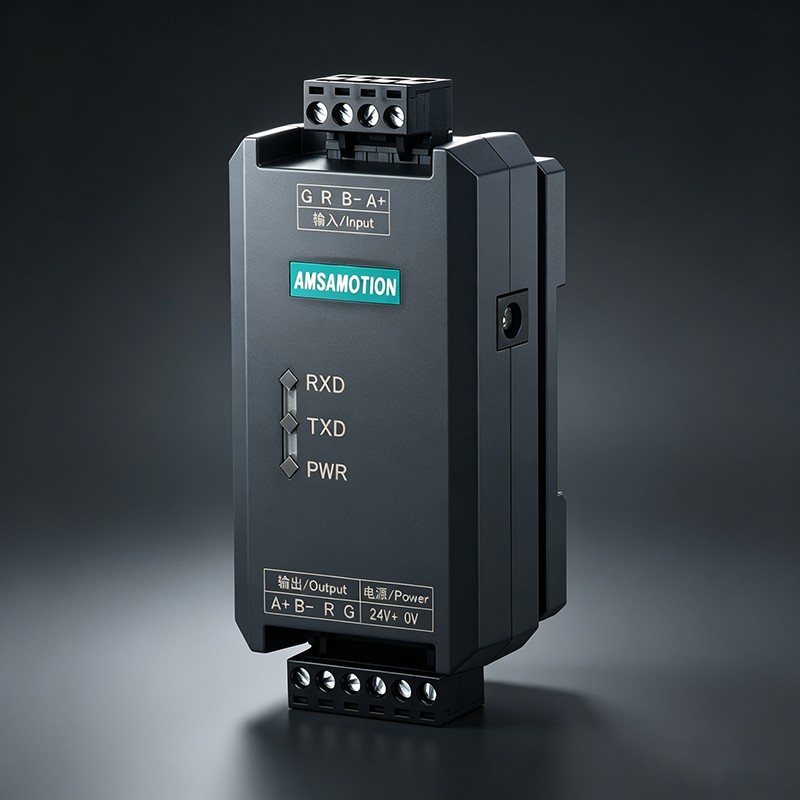
After extensive field verification, we recommend using AMSAMOTION's ETH series communication modules (ETH-200/200-2P/300/300-2P), which are plug-and-play and guaranteed to be stable.
What is the working principle?
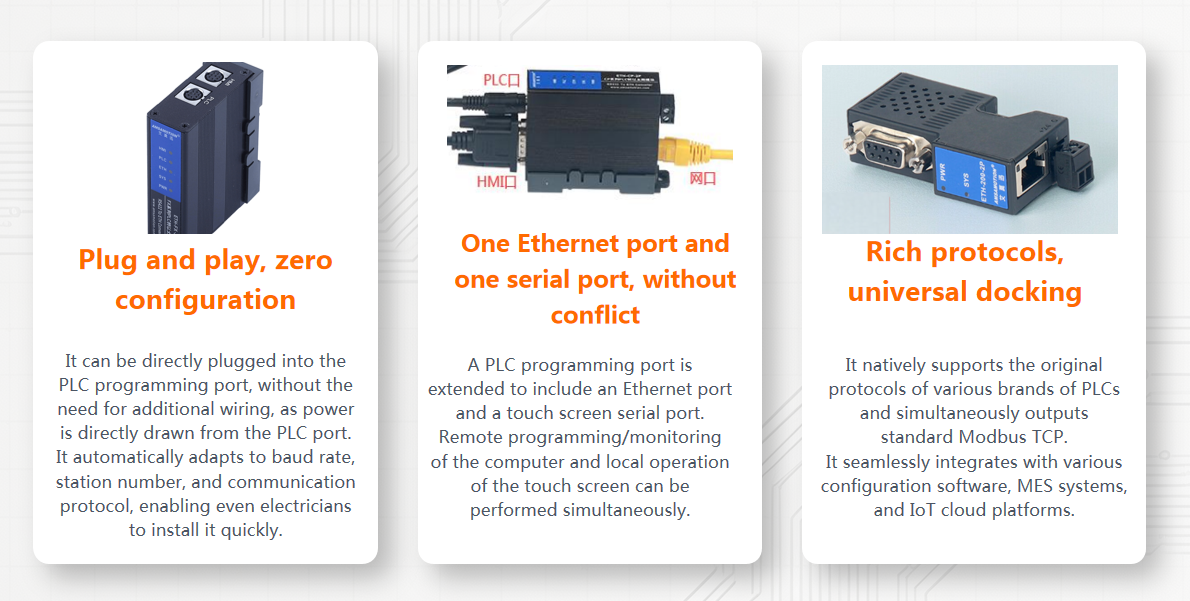
1. Simply plug and play: The module can be directly plugged into the PLC programming port, powered by the PLC communication port, and it's ready to use once the PWR light is lit, without the need for additional power supply.
2. Bidirectional protocol conversion: One end of the module communicates with PLC via PPI/MPI/DP serial buses, with automatic identification and matching of baud rate and station number; the other end is converted to S7TCP (port 102) or Modbus TCP (port 502), allowing upward connection to any standard Ethernet device.
3. Up to 6 clients can be online simultaneously: computers, touch screens, configuration software, and MES systems are connected independently without interference, eliminating the need to unplug and replug cables.
4. Direct web page configuration: Open the module IP in a browser, enter the account and password, and you can change the IP, port, and protocol parameters. No specialized software is required, and engineers can handle it on-site.
5. (-2P) bridge type with extended serial port: It does not occupy the PLC's native programming port, allowing the touch screen and programming cable to be plugged in simultaneously, enabling both local operation and remote upload/download.
The entire transformation process is zero-intrusion to the original system, truly achieving: no program modification, no wiring change, and no downtime.
III. Two real transformation cases: sharing the pitfalls we encountered and the lessons we learned.
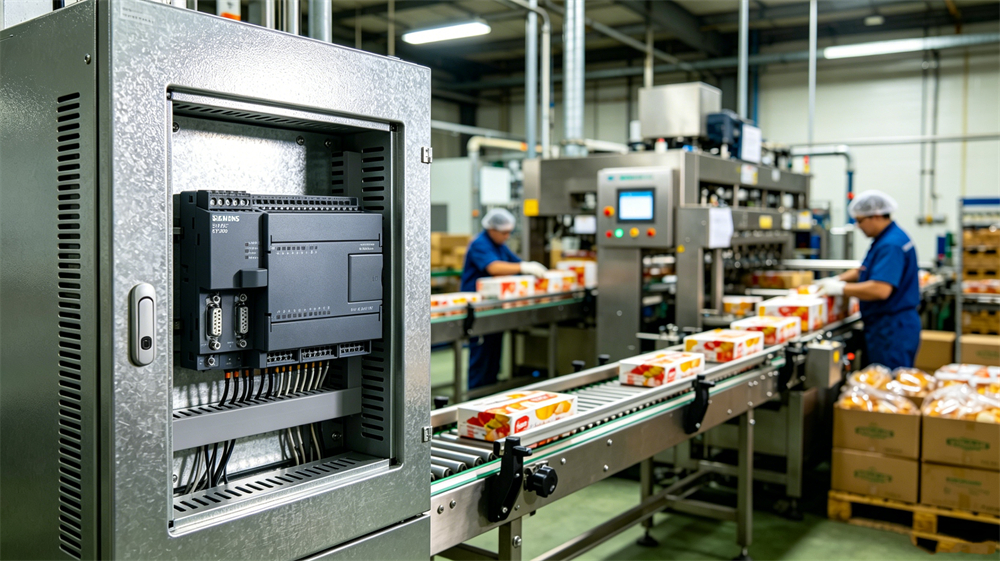
Case 1: A food packaging factory in East China - centralizing monitoring on 6 S7-200s.
Background: This factory has 6 packaging lines, all equipped with S7-200 PLCs, the oldest of which has been in operation for 12 years. Originally, technicians manually recorded production data daily, which had a high error rate and often led to scheduling inaccuracies due to delayed data. A set of MES was implemented, but the PLCs did not have network ports, so the data could not be entered at all.
Renovation plan: Each PLC will be equipped with an ETH-200-2P (bridge type), which will be uniformly connected to the workshop switch. It will interface with the MES server using Modbus TCP, and the Weinview touch screen will operate locally through the extended DB9 port.
Actual results: MES obtains real-time data on production volume, pass rate, and downtime; engineers can monitor six production lines from the office without having to visit the workshop; OEE data is clearly accessible, and overall equipment efficiency has increased by approximately 12% after three months.
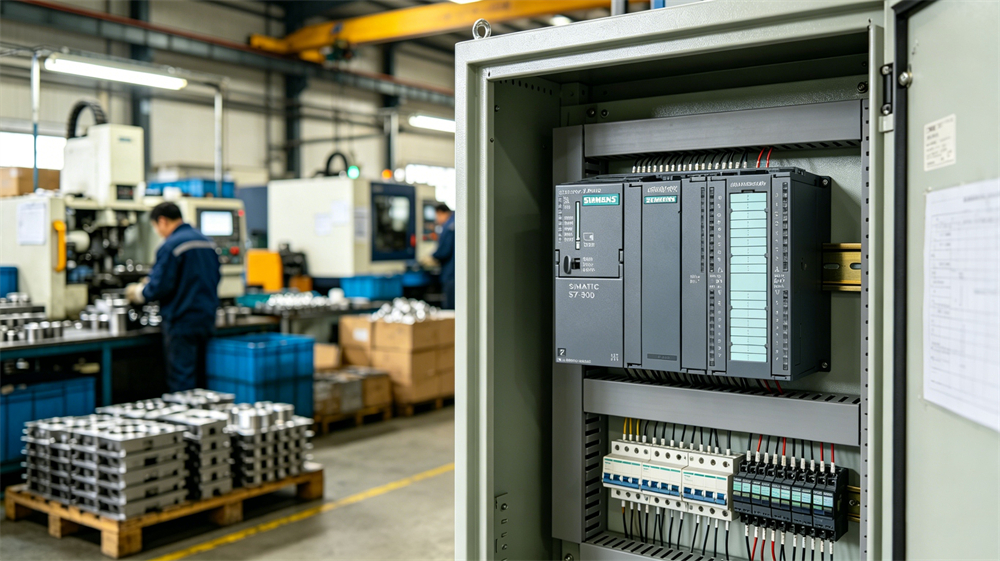
Case 2: A car parts factory in North China - S7-300 remote operation and maintenance background: 12 S7-300 machining centers are distributed across two workshops. The equipment, dating back to around 2010, is outdated. Whenever a device malfunctions, engineers have to travel from one end of the factory to the other, and sometimes minor issues can escalate into major downtime due to delays on the way. The annual maintenance costs incurred by the manufacturer amount to tens of thousands, yet the response time is still insufficiently fast.
Renovation plan: Each S7-300 is equipped with ETH-300-2P, supporting DP/MPI/PPI three modes that can be switched through the web page. It is docked with Kunlun Touch screen for local operation, and WinCC uses S7TCP for centralized monitoring in the central control room. At the same time, remote access is enabled for engineers to conduct remote diagnosis and program updates on the external network.
Actual results: The average fault response time has been shortened from 45 minutes to less than 10 minutes; remote diagnosis has resolved 70% of program-related issues, and the willingness of manufacturers to renew maintenance contracts has actually increased; the central control room's large screen displays the status of all equipment in real time, providing the equipment department with a unified management view.
IV, what is the value of this plan after all?
Cost-saving: No need to replace PLCs, rewrite programs, or shut down production lines for extended periods. With an investment of just a few hundred yuan in a module, you can unlock the digital gateway to the entire production line, and the transformation cost can usually be recouped within half a year.
Convenience: Plug and play, web-based configuration, no professional IT background required. An experienced electrician or equipment engineer can complete the modification and debugging of a line in just half a day.
Ease of use: S7TCP + Modbus TCP dual protocol support, compatible with mainstream configuration software, touch screens, and MES platforms both domestically and internationally. Up to 6 concurrent clients, stable operation 24/7, and 2 million error-free communications in 24 hours.
It works: Data collection is the first step - production, faults, energy consumption, and OEE (Overall Equipment Effectiveness) can all be monitored; remote upload and download, online debugging reduce the need for engineers to run errands; seamless integration with SCADA, MES, and digital displays.
In summary, many people tend to overcomplicate the matter of factory digitalization, aiming to establish large systems and platforms right from the start. However, the first step towards true digitalization should be to enable the equipment to "speak" - that is, to collect data, so that there is something to tell in the future.
Old equipment is not a stumbling block on the path to digitalization; the key lies in how you approach activating it. Spending a small amount of money, making minor modifications, and quickly implementing them is the most pragmatic path for small and medium-sized factories to pursue digitalization.